
Anchor Alarm
A GPS anchor watch for iOS and Android. Sleep knowing your phone is watching the anchor.
App store listings for iOS and Android will be linked here at launch.
How it works
1. Drop the anchor
Anchor your boat, then mark the spot with your phone’s GPS or enter coordinates by hand.
2. Set a radius
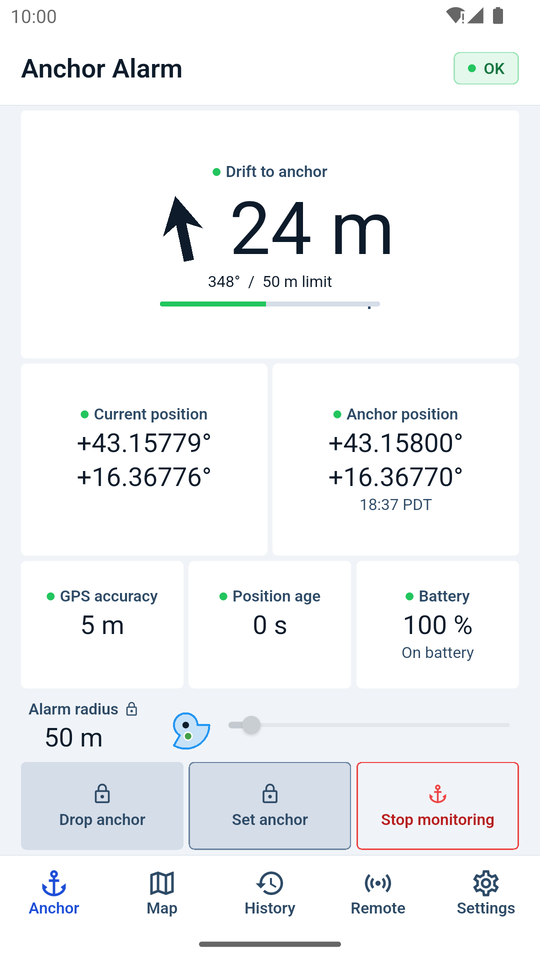
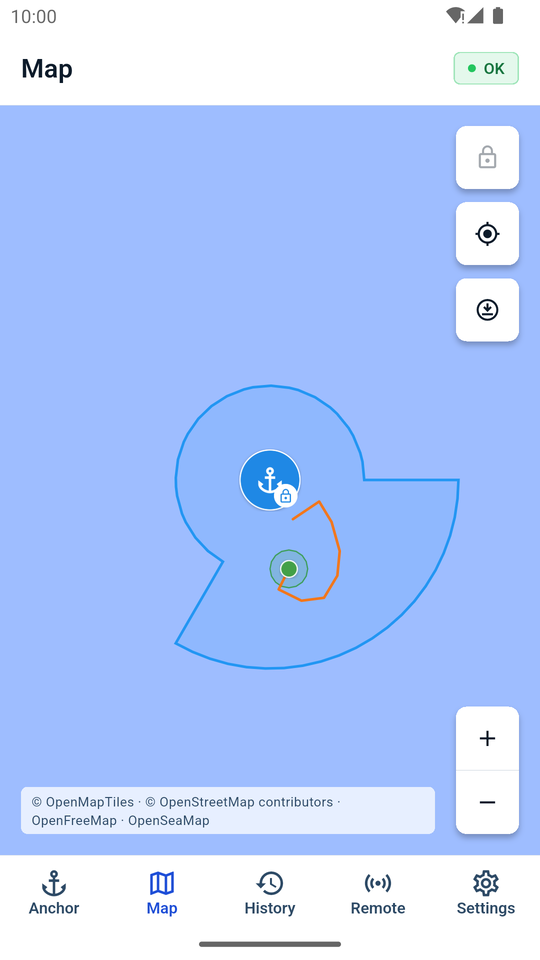
Choose how far the boat may swing. The zone is shown on the dashboard and on the map.
3. Start monitoring
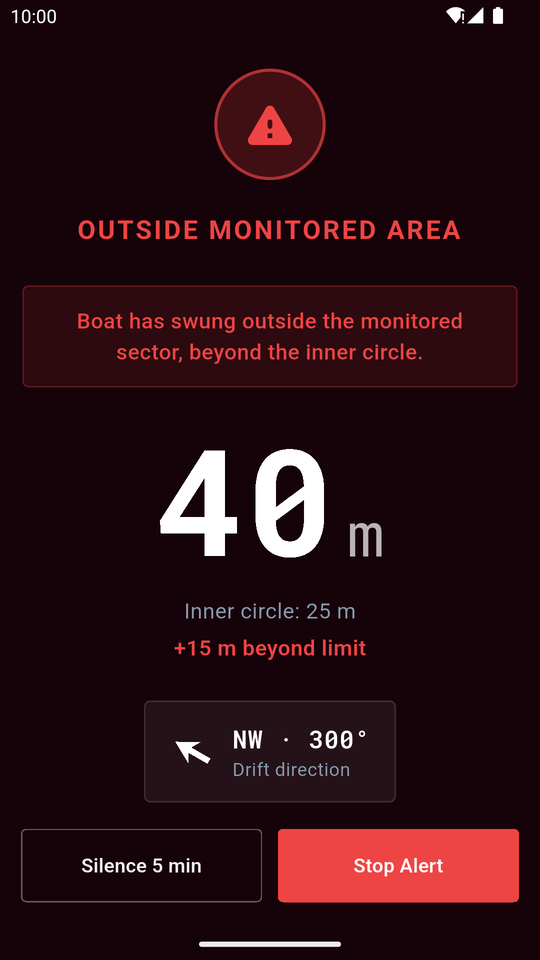
The app keeps watching in the background and sounds an alarm if the boat drifts outside the zone.
Screenshots
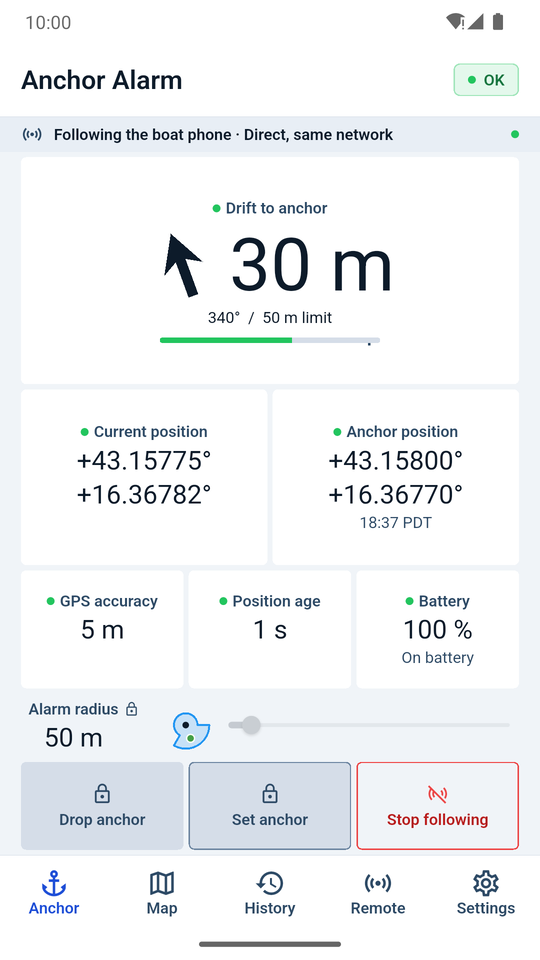
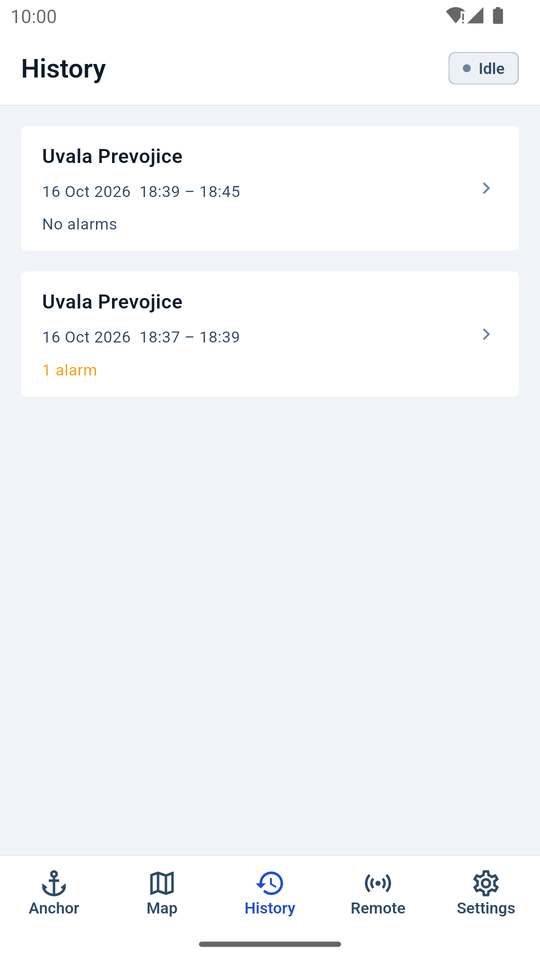
Demo video
A two-minute walkthrough on a real Android phone: start monitoring, lock the screen, hear the alert, share the watch with a second phone and stop monitoring.
Features
- Drift alarm with an adjustable radius, plus warnings for weak GPS and low battery.
- Background monitoring that keeps running with the screen locked.
- Audible alerts you can silence for five minutes or stop once you have dealt with them.
- Maps with the anchor, alarm zone and your track, plus optional seamark overlay and offline map downloads.
- History of your anchoring sessions, stored on your phone.
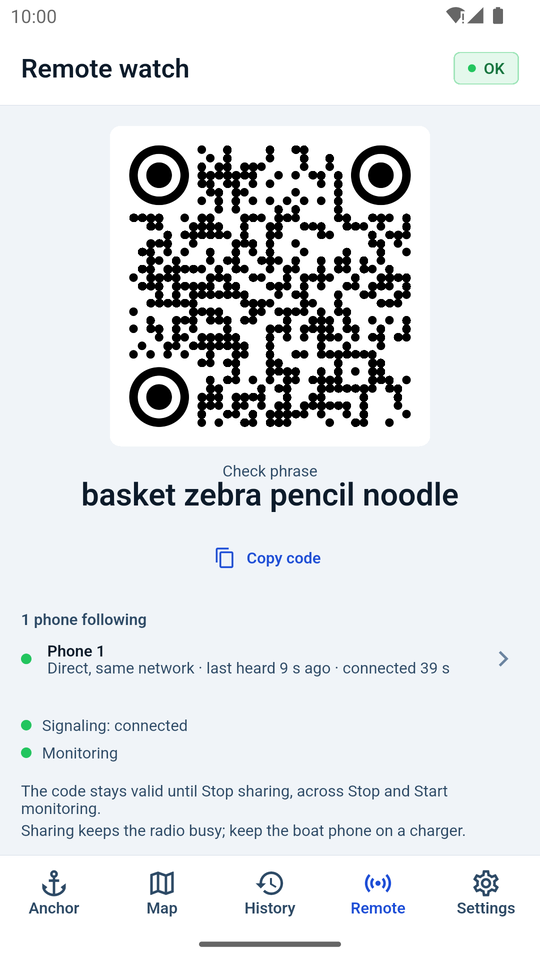
- Remote watch (optional): follow the boat phone’s anchor watch from a second phone ashore, with an alarm there too.
- Block Internet switch for completely offline use.
- No account, no subscription, no ads.
Your data stays on your phone
- Your position and anchoring history are stored only on your device.
- Arxiflex does not collect, receive or store any of it. There are no accounts, analytics, ads or trackers.
- The only network traffic is map tiles and, if you choose to use it, Remote watch between your own phones.
Important
Anchor Alarm is a supplementary aid and not a substitute for proper seamanship, an anchor watch or marine safety equipment. GPS accuracy and phone behaviour vary between devices and conditions, so always test the alarm before you rely on it.